Are you a dedicated gamer balancing daily life and seeking to enhance your mobile gaming experience? You're not alone. Approximately 87% of US gamers play regularly, often dedicating 10+ hours a week, and a significant portion relies on their Android devices. However, nothing sours a gaming session faster than lag, stutter, or dropped frames. This comprehensive guide on how to improve gaming performance on Android will equip you with the knowledge and practical steps to transform your device into a smooth, responsive gaming machine. We'll cover everything from simple software tweaks and optimal settings to understanding network impact and making smart, budget-friendly hardware choices. Our aim is to help you maintain peak performance, whether you're diving into the latest social gaming trends, engaging in competitive esports, or simply unwinding with a cozy game after a long day. Get ready to eliminate frustrating slowdowns and enjoy a superior mobile gaming journey that respects your time and investment.
Q1: What is the most effective free method to boost Android gaming FPS?
A1: The most effective free method to boost Android gaming FPS is a combination of closing all unnecessary background apps, clearing your device's cache, and tweaking developer options like setting animation scales to .5x or off. This frees up crucial RAM and CPU cycles, directly translating to smoother frame rates without any cost.
Q2: How do I identify if my Android phone is thermally throttling during games?
A2: You can identify thermal throttling by observing a sudden, sustained drop in frame rates after several minutes of gaming, accompanied by the device becoming noticeably hot to the touch. Apps like CPU Monitor or Gamebench can provide real-time temperature and CPU/GPU usage data, helping confirm if performance is being restricted by heat.
Q3: Is it better to play Android games with Wi-Fi or mobile data for competitive multiplayer?
A3: For competitive multiplayer Android gaming, Wi-Fi is generally superior due to lower latency and more stable connection speeds compared to mobile data. A strong, uncongested Wi-Fi connection minimizes ping and packet loss, which are critical for responsive and lag-free online gameplay, especially in fast-paced esports titles.
Q4: Can a full storage drive on my Android phone impact gaming performance?
A4: Yes, a nearly full storage drive can significantly impact Android gaming performance. When internal storage is almost full, the operating system struggles to find space for temporary files and system operations, leading to slower app loading, increased lag, and overall system sluggishness that directly affects game fluidity.
Q5: What role does an Android phone's RAM play in smooth gaming?
A5: RAM (Random Access Memory) is vital for smooth Android gaming as it's where your game's active data and processes are stored for quick access. More RAM allows your device to load larger game assets faster and run complex games without constantly swapping data to slower storage, preventing stutters and crashes.
Q6: Should I disable push notifications while gaming on Android?
A6: Yes, it is highly recommended to disable push notifications while gaming on Android. Notifications can interrupt gameplay, divert system resources, and even cause temporary frame drops. Most Android devices and game launchers offer a 'Do Not Disturb' or 'Game Mode' feature to automatically silence alerts during your gaming sessions.
Q7: How do in-game graphic settings affect Android gaming performance?
A7: In-game graphic settings directly impact Android gaming performance by controlling the workload on your phone's GPU. Lowering settings like resolution, texture quality, shadow details, and anti-aliasing reduces the processing demands, resulting in higher and more stable frame rates, especially on less powerful or older devices.
Are you one of the millions of US gamers, often juggling work, family, and life commitments, who still carve out time to enjoy the immersive world of mobile gaming? You’re in good company. Recent data from 2026 highlights that about 87% of US gamers play regularly, with many clocking in over 10 hours a week across various platforms, and Android remains a dominant force for on-the-go entertainment. But let’s be real: nothing kills the fun faster than your Android phone stuttering, lagging, or overheating right when you’re about to clinch that win or complete a crucial mission. It’s a common pain point for gamers who value their relaxation time and want a smooth experience without constant frustration.
You want to unwind, build skills, connect with friends in games like 'Among Us' or 'Genshin Impact,' or just escape into a vibrant world, but poor performance holds you back. You might be wondering, how to improve gaming performance on Android without buying a brand-new, expensive device? This comprehensive guide is designed exactly for you. We’ll dive deep into practical, actionable strategies, demystifying the technical jargon and offering real-world solutions that will help you optimize your Android device, extend its lifespan, and get the most out of your gaming sessions. Say goodbye to frustrating lag and hello to a smoother, more enjoyable mobile gaming experience!
How Can I Immediately Improve Gaming Performance on My Android Device?
For a quick boost, start with the basics. Close all unnecessary background applications. These apps consume RAM and CPU cycles, directly impacting your game's performance. Swipe them away from your recent apps list. Next, clear your game's cache and your phone's system cache. This removes temporary files that can slow things down. Finally, ensure your device is running on the latest software update, as manufacturers often include performance enhancements and bug fixes. For an instant, noticeable difference, activate your phone's 'Game Mode' or 'Performance Mode' if it has one. These modes prioritize gaming resources, often by limiting notifications and background processes.
Why Does My Android Phone Lag When Playing Games and How Can I Fix It?
Android phone lag during gaming often stems from several core issues: insufficient RAM, an overwhelmed CPU, an aging battery, or excessive heat. Many gamers balance budget constraints with performance desires, and an older phone might simply struggle with modern, graphically intensive titles. For example, if your phone has less than 6GB of RAM, it might struggle with a game like 'Call of Duty Mobile' or 'Genshin Impact.' Over time, your phone accumulates apps, data, and background processes that collectively tax your hardware. To fix this, regularly manage your storage, uninstall unused apps, and consider reducing in-game graphic settings. Regularly restarting your phone can also clear out temporary system glitches and refresh resources, providing a smoother experience for a quick gaming session after work.
What are the Best Android Settings to Optimize for Gaming?
Optimizing your Android settings is crucial for maximizing gaming performance. Here’s a breakdown:
- Developer Options: Enable Developer Options (Settings About phone Build number tap 7 times). Within this menu, set 'Window animation scale,' 'Transition animation scale,' and 'Animator duration scale' to '.5x' or 'Off' to reduce UI animations, freeing up CPU cycles.
- Force 4x MSAA: In Developer Options, enable 'Force 4x MSAA' for some games. This improves graphics quality but can be resource-intensive, so test its impact.
- Background Process Limit: Also in Developer Options, set 'Background process limit' to 'Standard limit' or 'At most 2 processes' before gaming. Remember to reset it afterward if you rely on background apps.
- Game Launcher/Mode: Most Android phones have a dedicated Game Launcher or Game Mode. Utilize it! These tools often have built-in features to block notifications, optimize performance, and even record gameplay.
- Display Refresh Rate: If your phone has a high refresh rate screen (90Hz, 120Hz, or higher), ensure it's set to its maximum for smoother visuals, especially in fast-paced games.
- Battery Optimization: Disable battery optimization for your specific game. Android's battery-saving features can throttle CPU performance, impacting frame rates.
How Do Background Apps Affect Android Gaming and What Can I Do?
Background applications are silent resource hogs. Every app running in the background, from social media to email clients, consumes a portion of your phone's RAM, CPU power, and sometimes even network bandwidth. This directly reduces the resources available to your game, leading to lower frame rates, input lag, and general stuttering. Gamers, especially those who only have limited time to game, don't want their valuable playtime interrupted by system slowdowns. To combat this:
- Manual Closing: Before launching a game, manually close all non-essential apps from your recent apps switcher.
- Force Stop: For stubborn apps, go to Settings Apps & notifications See all apps [App Name] Force stop.
- Disable Background Data: For apps you rarely need immediate notifications from, consider disabling their background data usage (Settings Apps & notifications [App Name] Mobile data & Wi-Fi Background data).
- App Permissions: Periodically review app permissions. Some apps might be granted permissions they don't truly need, allowing them to run unnecessarily.
Is My Network Connection Impacting My Mobile Gaming Experience?
Absolutely. For online multiplayer games, your network connection is paramount. High ping or packet loss can cause severe lag, making games unplayable. With the rise of social gaming and competitive mobile esports, a stable connection isn't just a luxury, it's a necessity. Even if your phone's hardware is top-tier, a weak Wi-Fi signal or congested mobile data can ruin the experience. To ensure optimal online gaming performance:
- Use Wi-Fi over Mobile Data: Whenever possible, connect to a stable Wi-Fi network. It generally offers lower latency and more consistent speeds than cellular data.
- Proximity to Router: Sit closer to your Wi-Fi router for a stronger, more reliable signal.
- Reduce Network Congestion: If others are streaming or downloading on the same network, ask them to pause or limit their activity during your gaming session.
- Restart Router: A simple router restart can often resolve minor network issues.
- Check Your Internet Speed: Periodically run a speed test to ensure you're getting the speeds you pay for.
- Consider a Gaming Router: For serious gamers, a router with Quality of Service (QoS) features can prioritize gaming traffic.
What Budget-Friendly Hardware Upgrades Can Boost Android Gaming?
While a new phone isn't always an option, there are budget-friendly hardware additions that can significantly enhance your Android gaming experience, especially for gamers on a budget who still want value for money.
- External Cooling Fan: Overheating is a major performance throttle. A clip-on phone cooling fan (often under $20) can maintain optimal temperatures, preventing thermal throttling and sustained high performance.
- Gaming Controller: A Bluetooth gaming controller (e.g., Razer Kishi, Backbone One, or a generic Xbox/PlayStation controller) offers precision and comfort far beyond touchscreen controls, improving skill and enjoyment.
- High-Speed MicroSD Card: If your phone supports expandable storage, a U3 or V30 rated microSD card can improve game loading times and overall responsiveness, especially for larger titles. Just ensure your phone uses the card for app storage.
- Quality Earbuds/Headphones: Good audio is crucial for immersion and competitive advantage. A decent pair of wired earbuds with low latency, or Bluetooth earbuds with a dedicated gaming mode, can make a big difference.
- Power Bank: Extended gaming drains batteries fast. A high-capacity power bank ensures your sessions aren't cut short, letting you focus on the game, not the battery percentage.
How Do I Keep My Android Device Cool During Intense Gaming Sessions?
Maintaining optimal device temperature is key to sustained performance. When a phone overheats, its internal components, particularly the CPU and GPU, throttle their performance to prevent damage, leading to noticeable lag and stutter. This is a common challenge for those playing demanding games for extended periods.
- Use a Cooling Fan: As mentioned, a dedicated phone cooler is highly effective.
- Remove Case: Take off your phone case during long gaming sessions to allow better heat dissipation.
- Play in a Cool Environment: Avoid gaming in direct sunlight or hot rooms. A cooler ambient temperature helps your phone stay cool.
- Lower Graphics Settings: Reducing in-game graphics quality (e.g., resolution, texture quality, shadows) decreases the workload on your GPU, generating less heat.
- Close Background Apps: Fewer running processes mean less heat generated.
- Avoid Charging While Gaming: Charging generates heat. Combining charging with gaming intensifies heat buildup, so try to charge before or after your session.
Can Game Boosters or Performance Apps Really Improve Android Gaming?
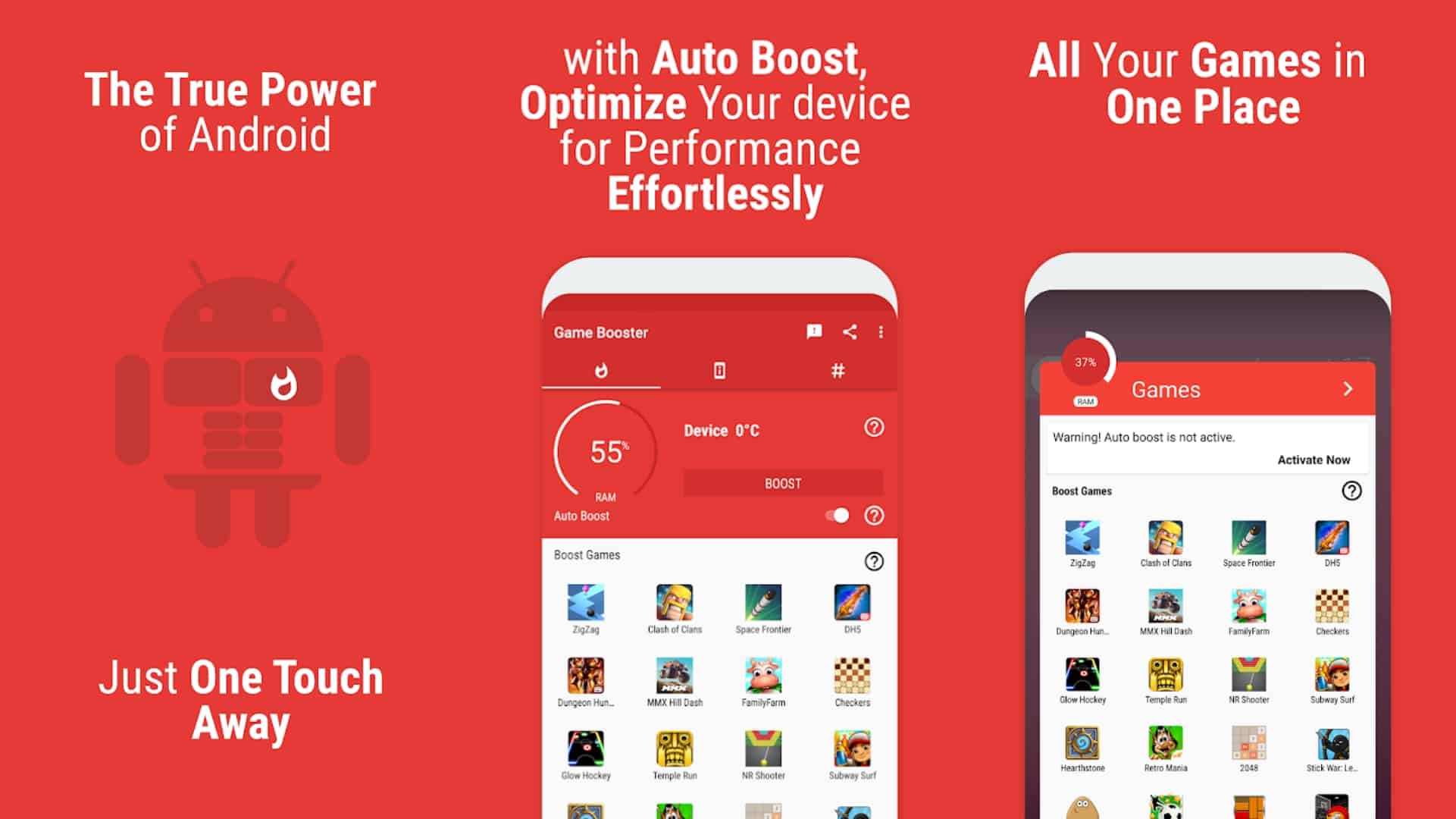
The effectiveness of game boosters and performance-enhancing apps is a mixed bag, and it's essential to approach them with a critical eye. Many simply automate processes you can do manually, like clearing RAM or closing background apps. Some might even introduce their own background processes, inadvertently consuming resources. However, some reputable game launchers from phone manufacturers (e.g., Samsung Game Launcher, OnePlus Game Space) genuinely offer useful features like notification blocking, performance profiling, and screen recording without being detrimental. Third-party apps should be chosen carefully; read reviews and check permissions. For the most part, manual optimization is more reliable and ensures you're not installing bloatware that claims to help but actually hurts performance. Focus on the core system tweaks before resorting to third-party boosters.
What Are the Latest Trends in Mobile Gaming Optimization for 2026?
Mobile gaming continues to evolve rapidly, and 2026 sees several key optimization trends emerging. Cross-play functionality between mobile, PC, and console is becoming more seamless, requiring robust network optimization. We're seeing greater integration of AI-powered optimization tools built directly into phone operating systems, intelligently allocating resources based on game demand. Cloud gaming services are gaining traction, allowing players to stream high-fidelity games without needing top-tier local hardware, shifting the optimization focus to network latency. Additionally, as AR and VR experiments continue to pop up, device performance for these immersive experiences is a growing concern. Esports viewing on mobile and the rise of creator/streamer influence also drives demand for devices that can simultaneously game and stream efficiently. These trends highlight the need for both hardware and software to keep pace with an increasingly sophisticated mobile gaming ecosystem.
How Can I Balance My Gaming Hobby with My Busy Life Effectively?
For adult gamers who are balancing careers, families, and personal growth, integrating gaming into a busy schedule requires intentionality, not just optimization. Gaming offers stress relief, social connection, and skill-building, but it needs to fit without becoming a source of stress itself. Mobile gaming is perfect for this, allowing short bursts of fun. Here are some strategies:
- Set Time Limits: Use your phone's digital well-being features to set app timers for games.
- Schedule Gaming Slots: Treat gaming like any other appointment. Block out 30-60 minutes a few times a week.
- Prioritize Social Play: Connect with friends in co-op or social games like 'Pokemon GO' or 'Stardew Valley' to make the most of your time.
- Utilize Quick Sessions: Many free-to-play mobile games are designed for short, impactful sessions, perfect for breaks or commutes.
- Communicate with Family: Let family know when you're jumping into a game to avoid interruptions.
- Focus on Fun, Not Just Wins: Remember, gaming is primarily for enjoyment and relaxation. Don't let competitive pressure overshadow the fun.
- Budget Smartly: If considering in-game purchases or hardware, evaluate value for money against your overall budget.
By effectively managing your time and your device's capabilities, you can truly enjoy your passion without it feeling like another chore.
Conclusion
Improving your Android gaming performance doesn't have to be a daunting task. By implementing these practical tips, from basic settings adjustments and background app management to understanding network dynamics and considering budget-friendly accessories, you can significantly enhance your mobile gaming experience. Whether you're chasing high scores, connecting with friends in social games, or simply unwinding after a long day, a smoother, lag-free experience will make all the difference. Remember, optimizing your device is an ongoing process, but with a little effort, your Android phone can transform into a powerful gaming companion.
What's your biggest gaming challenge on Android? Comment below and let's help each other out!
FAQ Section
What is thermal throttling in Android gaming?
Thermal throttling is when your Android device automatically reduces its CPU and GPU performance to prevent overheating and potential damage. This causes noticeable lag and reduced frame rates during intense gaming sessions as the phone tries to cool itself down.
How often should I clear my Android phone's cache for better gaming?
It's beneficial to clear your game-specific cache regularly, perhaps once a week or whenever you notice performance issues. For your phone's system cache, once a month is typically sufficient, or after major system updates, to ensure smooth operation and free up temporary files.
Does having a high refresh rate screen improve gaming performance?
Yes, a high refresh rate screen (like 90Hz or 120Hz) significantly improves the visual smoothness of games, making motion appear more fluid and responsive. While it doesn't boost the raw processing power, it provides a more visually pleasing and reactive gaming experience if your phone can maintain high frame rates.
Are wired or wireless headphones better for gaming on Android?
For competitive gaming where every millisecond counts, wired headphones generally offer lower latency, meaning the audio reaches your ears almost instantly. Wireless Bluetooth headphones have improved significantly, with many offering a dedicated 'gaming mode' to reduce latency, but wired options remain the safest bet for zero delay.
Should I root my Android device to improve gaming performance?
Rooting your Android device can offer advanced customization and performance tweaks, but it carries risks like voiding your warranty, security vulnerabilities, and potential device instability. For most users, especially those balancing life commitments, the benefits rarely outweigh the risks. Modern Android versions offer sufficient optimization options without needing to root.
How does battery health impact gaming performance?
An aging battery with poor health can significantly impact gaming performance. As batteries degrade, they become less efficient at delivering consistent power, leading to voltage drops that can cause the phone's processor to throttle performance to conserve energy. This results in reduced frame rates and stuttering, especially in demanding games.
Optimize Android settings for superior gaming performance. Manage background applications to free up vital resources. Enhance network stability for lag-free online play. Discover budget-friendly hardware and accessory upgrades. Implement software tweaks for smoother frame rates and responsiveness. Learn to maintain device thermals during extended gaming. Balance gaming hobbies with personal and professional commitments. Leverage in-game settings and developer options effectively. Stay current with 2026 mobile gaming optimization trends. Address common pain points like battery drain and storage management.
35


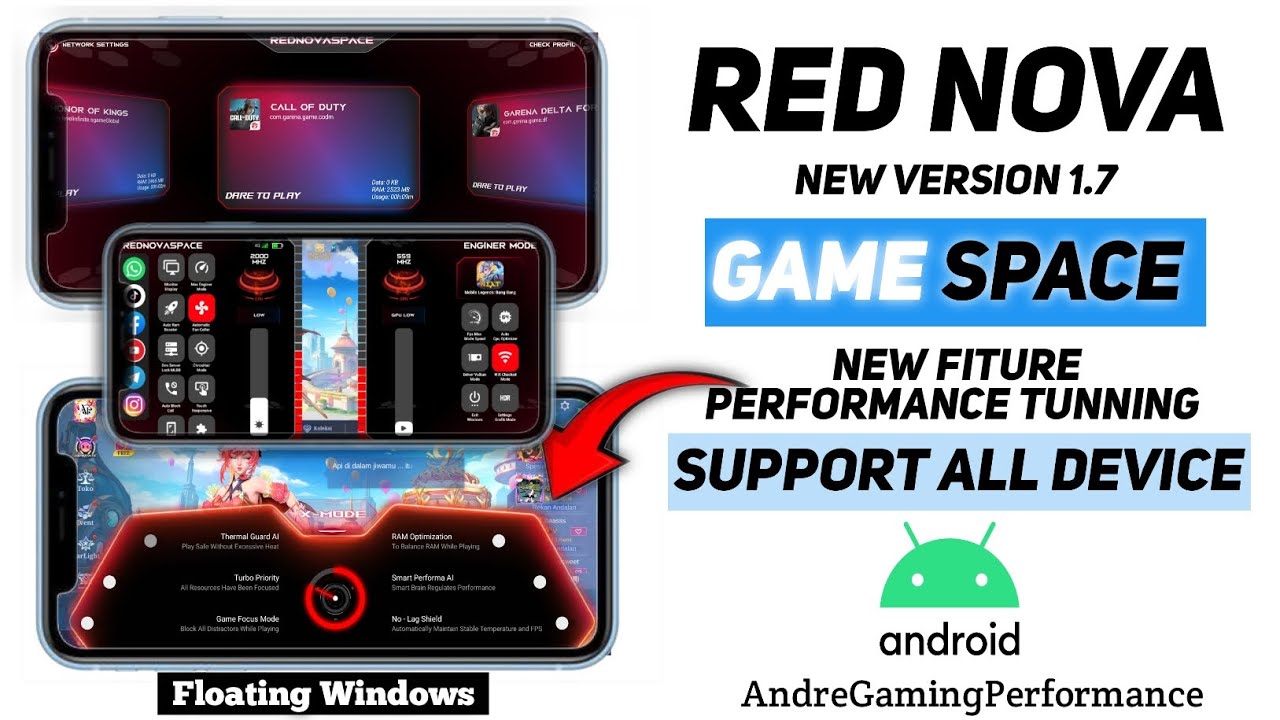

How To Use Gaming Mode On Android Phones For Smooth Performance How To Use Gaming Mode On Android Phones Hogatoga . How To Boost Gaming Performance On Android Phone Without Root . HOW TO BOOST GAMING PERFORMANCE ON ANDROID PHONE IMPROVE GAMING . How To Increase Gaming Performance On Android Game Space Red Nova . How To Boost Gaming Performance On ANY Android Increase FPS YouTube



How To BOOST ANDROID Gaming Performance YouTube . How To Increase Gaming Performance On Android Phone 1 Minute Trick . How To Improve Gaming Performance On Android Top 18 Ways How To Improve Gaming Performance On Android Top 18 Ways . How To Improve Boost Gaming Performance On Android 2025 Safe Tricks Boost Gaming Performance On Android Thumbnail . How To Improve Gaming Performance On Android YouTube


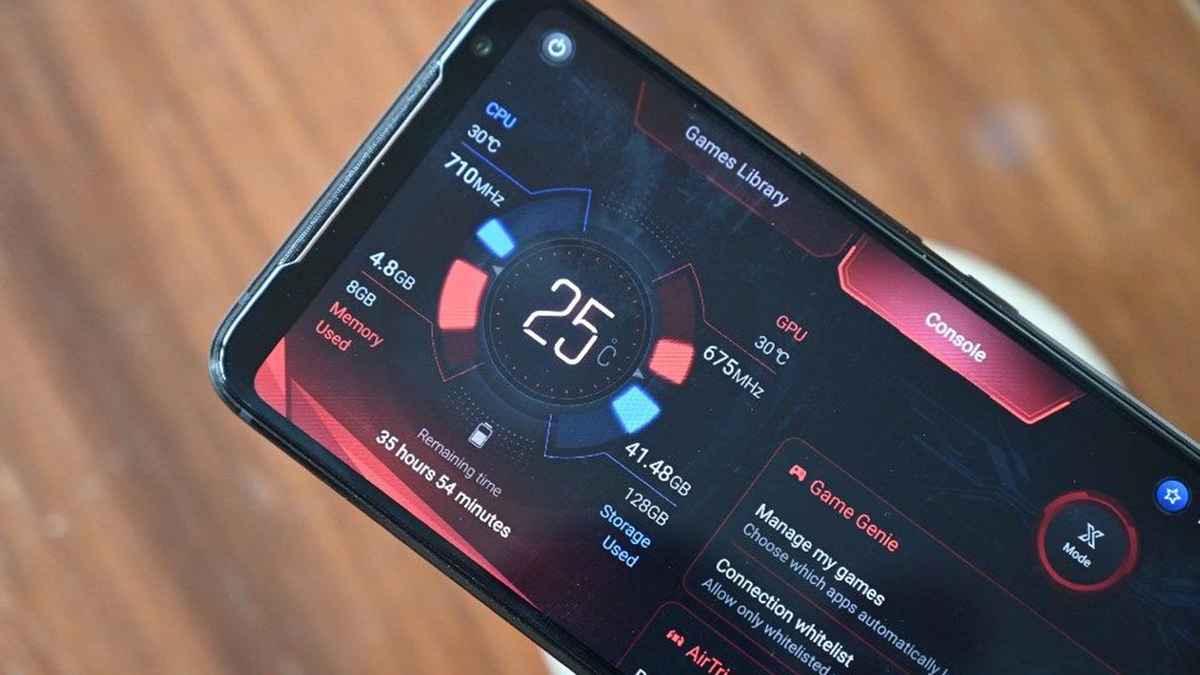

Game Booster APK 2026 How It Reduces Lag On Android 13 14 Xiaomi Game Booster APK 2026 - Featured Image 1024x683 . How To Improve Android Gaming Performance YouTube . Tips And Tricks How To Improve Your Gaming Experience On Android . How To Improve Gaming Performance On Your Android Phone In 2023 On Your Android Phone . 5 Best Smartphones For Gaming In 2026 MobileMall Blog Gaming Phones.webp




How To Improve Gaming Performance On Android YouTube Hqdefault . How To Improve Gaming Performance On Your Android Phone YouTube . How To Boost Gaming Performance On Android Devices TrendyPort 1 18 . How To Build High Performance Android Apps In 2026 Sesoftware How To Build High Performance Android Apps In 2026.webp. How To Boost Your Android Gaming Performance With A Simple Trick Boost Android Gaming Performance


How To Improve Android App Performance In 2026 Android Application And Strategies For OG . How To Boost Gaming Performance Of Your Android Mobile Without Using . How To Boost Gaming Performance In Android Phone In Just 2 Sec Boost Gaming Performance In Android . HOW TO BOOST GAMING PERFORMANCE ON ANDROID PHONE IMPROVE GAMING . How To Improve Gaming Performance On Android OnePlus Nord CE 2 Lite

How To Improve Gaming Performance On Android YouTube Hq720 . How To Boost Gaming Performance On Your Android Phone Game Booster . Android 2026 Major OS That Improve User Experience Android 2026 Major OS That Improve User Experience .webp. How To Improve Gaming Performance On Your Android Phone Leveraging Game Booster Features For Optimized Gaming 1024x1024 . How To Improve Gaming Performance On Your Android Phone Internet Speed Test Software Concept 1024x1024




How To Boost Android Games Performance Best One App . Complete Guide To Improving Android Game Performance Key Tricks And Tweaks Como Mejorar El Rendimiento De Los Juegos En Android 3 . How To Boost Gaming Performance On Your Android Phone Tapscape How To Boost Gaming Performance On Your Android Phone 01 . How To Optimize Boost Android GPU For Gaming And Performance Speed Up . Way To Improve Gaming Performance On Android Unity Tutorial YouTube