Navigating the world of gaming peripherals can feel like a boss battle in itself especially when you are a busy gamer balancing work family and life The idea of a wireless setup with a bluetooth gaming mouse often sparks curiosity but also brings questions about performance and reliability Is it truly viable for serious play or just a convenient option for casual gamers on the go This guide dives deep into everything you need to know about bluetooth gaming mice cutting through the hype to give you honest practical advice We will explore the latest advancements in wireless technology latency concerns battery life and the real-world performance you can expect Discover how these devices fit into your gaming lifestyle whether you are a PC enthusiast a mobile gamer or someone who enjoys cross platform play Learn about setup tips optimization tricks and how to choose a mouse that offers excellent value for money without sacrificing the responsiveness you demand for those crucial in game moments Get ready to ditch the cables and embrace a new level of freedom without compromising your competitive edge or relaxation time Our goal is to empower you with the knowledge to make an informed decision ensuring your next gaming mouse enhances your experience seamlessly
What is a Bluetooth gaming mouse and why should I consider one?
A Bluetooth gaming mouse is a wireless peripheral that connects to your computer or mobile device using Bluetooth technology, eliminating the need for a USB dongle. For busy gamers juggling work and family, its primary appeal lies in unparalleled convenience, portability, and a clutter-free setup. It allows you to seamlessly switch between devices like your gaming PC, laptop, or even a tablet for cloud gaming, making it ideal for those who value versatility without sacrificing too much performance.
Are Bluetooth gaming mice reliable for competitive play?
While traditional 2.4GHz wireless or wired mice are generally preferred for top-tier esports due to their minimal latency, modern Bluetooth gaming mice, especially those with Bluetooth 5.0 or higher, have significantly closed the performance gap. For the vast majority of US gamers who play to relax, build skills, or socialize, a good Bluetooth gaming mouse offers more than enough responsiveness for a satisfying experience in most titles, from MOBAs to casual shooters.
How do I connect a Bluetooth gaming mouse to my device?
Connecting a Bluetooth gaming mouse is typically straightforward. First, ensure your mouse is charged and in pairing mode, often indicated by a blinking LED. Then, on your Windows PC, go to Settings > Devices > Bluetooth & other devices, and click Add Bluetooth or other device. Select Bluetooth, choose your mouse from the list, and follow any on-screen prompts. For mobile devices, navigate to your Bluetooth settings and select the mouse when it appears. It’s a quick, cable-free process.
What are the main advantages of a Bluetooth gaming mouse over a wired mouse?
The core advantages revolve around freedom and flexibility. A Bluetooth gaming mouse eliminates cable drag and clutter, freeing up desk space and making your setup look much cleaner. It offers superior portability, allowing you to easily pack it with a laptop or tablet for gaming on the go, a huge plus for those who travel or play in different rooms. Furthermore, many Bluetooth mice can connect to multiple devices, letting you switch between your work laptop and gaming rig with a click, enhancing overall convenience for a multi-device lifestyle.
What kind of battery life can I expect from a Bluetooth gaming mouse?
Battery life varies significantly by model and usage, but modern Bluetooth gaming mice often boast impressive longevity. Many can last anywhere from 70 to over 200 hours on a single charge or a set of AA batteries, especially when features like RGB lighting are turned off. Mice designed for power efficiency, often leveraging Bluetooth Low Energy (BLE), can even stretch this to several months. This means less frequent charging or battery changes, letting busy gamers focus more on their game and less on maintenance.
Can I use a Bluetooth gaming mouse with my console?
Console compatibility for Bluetooth gaming mice is a bit more nuanced. While some modern consoles like the Xbox Series X/S and PlayStation 5 support Bluetooth connections for certain accessories, direct support for a Bluetooth gaming mouse for in-game control is often limited to specific titles or navigation within menus. Most console gamers still rely on controllers or dedicated wired/2.4GHz wireless mouse and keyboard combos for optimal performance in games that support them. Always check your console's specifications and the game's settings for compatibility.
Are Bluetooth gaming mice good for non-gaming tasks too?
Absolutely! A Bluetooth gaming mouse excels as an all-around peripheral. Its wireless convenience, ergonomic design (often found in gaming mice), and precise sensor make it ideal for productivity tasks, web browsing, and creative work. Many models feature programmable buttons that can be customized for shortcuts in applications, further boosting efficiency. For the average user, the blend of gaming-grade performance and everyday utility makes a Bluetooth gaming mouse a smart, versatile investment for both work and play.
Are you tired of battling tangled mouse cables, constantly re-routing them after every gaming session, or sacrificing precious desk space to a chaotic mess of wires? For many US gamers, particularly those balancing a demanding job, family life, and still finding time to unwind with their favorite titles, convenience is king. With 87% of US gamers regularly dedicating 10+ hours a week to their passion, often across multiple devices, the appeal of a truly wireless, versatile peripheral is stronger than ever. The idea of a bluetooth gaming mouse might sound like a dream come true for a clean setup and seamless transitions between your PC, laptop, or even a mobile device for cloud gaming. But is a bluetooth gaming mouse truly up to the task for the responsiveness and reliability you demand? Can it deliver the performance needed for skill-building and social play, or is it just a compromise?
This comprehensive guide is here to cut through the noise, dispelling myths and providing practical, up-to-date insights on bluetooth gaming mice in 2026. We’ll cover everything from latency and sensor performance to battery life and cross-platform compatibility. Our goal is to empower you, the busy gamer, with the knowledge to make an informed decision, ensuring your next peripheral enhances your experience without breaking the bank or adding more stress to your life. Get ready to discover if a bluetooth gaming mouse is the missing piece in your optimized, clutter-free gaming arsenal.
Is a Bluetooth Gaming Mouse Truly Viable for Serious Gaming in 2026?
The short answer is yes, with caveats. For a long time, Bluetooth was scoffed at by serious gamers due to perceived high latency and unstable connections. However, modern advancements, especially with Bluetooth 5.0 and newer standards, have significantly reduced these issues. You’ll find that the gap between wired, 2.4GHz wireless, and Bluetooth has narrowed considerably. For most casual to mid-core gamers who enjoy titles like Palworld, Valorant, or the latest cozy games, a quality bluetooth gaming mouse provides more than adequate responsiveness for a satisfying and competitive experience. While professional esports players might still stick to wired or ultra-low-latency 2.4GHz solutions for fractions of a millisecond advantages, for the average gamer looking to relax, have fun, and build skills, Bluetooth is now a perfectly viable option.
How Does Bluetooth Latency Compare to Wired or 2.4GHz Wireless Mice?
Latency is the delay between your mouse movement and the corresponding action on screen. Wired mice offer near-zero latency, typically under 1ms. Dedicated 2.4GHz wireless gaming mice use a proprietary dongle and optimized protocols to achieve very low latency, often in the range of 1-5ms, which is virtually imperceptible to the human eye. Older Bluetooth versions (3.0/4.0) could introduce noticeable lag, often 10-20ms or more, making them unsuitable for fast-paced gaming.
However, with Bluetooth 5.0 and beyond, the gap has significantly narrowed. Many modern bluetooth gaming mice can achieve latency figures in the 8-15ms range, sometimes even lower under ideal conditions. While still slightly higher than premium 2.4GHz options, the average human reaction time is around 200-250ms, meaning that for most non-pro gamers, the difference is negligible. Factors like your device's Bluetooth adapter quality and environmental interference can also play a role, but the technology has matured to a point where Bluetooth is a strong contender for mainstream gaming.
What Features Should I Look For in a Bluetooth Gaming Mouse?
Choosing the right bluetooth gaming mouse involves more than just wireless connectivity. Here are the key features busy US gamers should consider to ensure they get the best value and performance:
- DPI Range and Sensor: Look for a mouse with a high-quality optical sensor and a wide, adjustable DPI (dots per inch) range, typically from 400 to 16,000+ DPI. This allows for precision and sensitivity customization crucial for different game genres and personal preferences.
- Polling Rate: This is how often the mouse reports its position to your computer. A higher polling rate (e.g., 1000Hz or 1ms response time) means smoother, more accurate tracking. While Bluetooth traditionally had lower polling rates, many modern mice now support 500Hz-1000Hz via Bluetooth.
- Battery Life: Since it's wireless, excellent battery life is paramount. Look for mice offering 100+ hours of usage on a single charge or a set of batteries. Rechargeable options are convenient, but replaceable batteries can be swapped instantly.
- Ergonomics and Weight: Many adult gamers prioritize comfort during long sessions. Consider the mouse's shape, size, and weight to match your hand grip and preference. Lighter mice (under 100g) are often favored for fast-paced games.
- Programmable Buttons: Extra buttons that can be assigned macros or in-game commands enhance efficiency, especially in MOBAs, MMOs, or productivity tasks.
- Dual Connectivity (Bluetooth + 2.4GHz): Many top-tier wireless gaming mice offer both Bluetooth and a 2.4GHz dongle. This provides the best of both worlds: Bluetooth for portability and multi-device use, and 2.4GHz for lowest latency gaming when critical.
Many busy adults who game value comfort and versatility, making ergonomic design and multi-device support especially important features.
How Do I Set Up and Optimize My Bluetooth Gaming Mouse?
Getting your bluetooth gaming mouse up and running is typically straightforward, but a few optimization steps can enhance your experience:
- Charge Your Mouse: Ensure your mouse is fully charged or has fresh batteries before starting.
- Enable Bluetooth: On your PC, laptop, or mobile device, ensure Bluetooth is turned on.
- Pair the Mouse: Put your mouse into pairing mode (often a button on the bottom or side, sometimes indicated by a blinking LED). On Windows 11, go to Settings > Bluetooth & devices > Add device > Bluetooth. Select your mouse from the list. For mobile devices, navigate to Bluetooth settings and select the mouse.
- Install Software: Download and install the manufacturer's software (e.g., Logitech G HUB, Razer Synapse). This is crucial for customizing DPI settings, button assignments, RGB lighting, and often updating firmware.
- Adjust Settings: Within the software, set your preferred DPI levels, polling rate (if adjustable via Bluetooth), and any macros. In your Windows Mouse Settings, disable pointer precision (mouse acceleration) for consistent aim.
Pro Tip: Ensure your PC's Bluetooth drivers are up to date. Outdated drivers can lead to connection drops or increased latency. A strong, clear line of sight between your mouse and your device's Bluetooth adapter can also help maintain a stable connection, especially if you experience any occasional stuttering.
Can I Use a Bluetooth Gaming Mouse for Mobile and Cross-Platform Gaming?
Absolutely! This is where bluetooth gaming mice truly shine for versatility, aligning perfectly with current gaming trends. Many US gamers are increasingly dabbling in mobile gaming on their smartphones or tablets, or leveraging cloud gaming services that stream PC titles to various devices. A Bluetooth mouse allows you to seamlessly switch between your main PC, a gaming laptop, an Android tablet, or even an iPad without needing to move a USB dongle.
Whether you’re navigating menus in Genshin Impact on your tablet, playing a strategy game on your phone, or streaming Xbox Game Pass titles to your Chromebook, a Bluetooth mouse offers a familiar and precise control method. Some mice even feature multi-device connectivity, allowing you to pair with two or three devices simultaneously and switch between them with the press of a button. This flexibility is a huge win for gamers who prioritize convenience and enjoy playing across different platforms, often finding themselves using their devices for both work and play throughout the day.
What Are the Best Bluetooth Gaming Mice for Different Budgets?
Finding a great bluetooth gaming mouse doesn’t have to break the bank. Here's a look at what you can expect across different price points:
Budget-Friendly Options (Under $50): At this level, you’ll find reliable options that prioritize core functionality and basic gaming features. Brands like Redragon or certain entry-level Logitech models (e.g., M510, though more productivity-focused, can serve casual gaming needs) offer decent sensors and comfortable designs. These are perfect for casual gamers or those just testing the waters with wireless freedom, especially for slower-paced games or for use with mobile devices. Performance might not be top-tier, but the value is excellent.
Mid-Range Performers ($50-$100): This is the sweet spot where performance significantly improves without a huge financial leap. Here, you'll find dedicated gaming mice that often include dual 2.4GHz and Bluetooth connectivity. Examples include the Razer Orochi V2, known for its compact size and long battery life, or the Logitech G604 Lightspeed, which offers multiple programmable buttons, ideal for MMOs or productivity. These mice typically feature better sensors, higher polling rates, and more robust build quality, suitable for a wide range of gaming genres and offering a great balance of features and value for the average gamer.
Premium Choices (Over $100): In this tier, you're looking at top-tier sensors, exceptionally low latency (often with both Bluetooth and ultra-fast 2.4GHz wireless), superior ergonomics, and advanced features like lightweight designs, high-quality switches, and extensive customization. The Logitech G PRO X Superlight (though primarily 2.4GHz, some high-end Logitech models offer dual-mode) or specialized ASUS ROG models might offer Bluetooth as an additional connectivity option alongside their primary high-performance wireless. These are for gamers who demand the absolute best in precision, speed, and comfort, ensuring no compromise in competitive play while still having the flexibility of Bluetooth for other tasks.
How Can I Maximize Battery Life and Maintain My Bluetooth Gaming Mouse?
Long battery life is key for any wireless peripheral, especially when balancing gaming with a busy schedule. Here are some tips:
- Adjust DPI: Running your mouse at excessively high DPI settings can sometimes consume more power. Use the lowest DPI that feels comfortable and effective for your gameplay.
- Turn Off RGB: While cool, RGB lighting is a significant battery drain. Use the manufacturer's software to turn off or minimize lighting effects when not needed, or opt for a mouse without RGB if battery life is your top priority.
- Power Off When Not In Use: It sounds simple, but many gamers forget to flick the power switch on the bottom of their mouse when stepping away from their PC. Most mice have an auto-sleep feature, but manually powering down is more effective.
- Use Quality Batteries: If your mouse uses replaceable batteries, invest in good quality alkaline or rechargeable AA/AAA cells.
Maintenance is straightforward: keep it clean. Use compressed air to remove dust and debris from around the sensor and buttons. Wipe down the surface with a microfiber cloth regularly. Avoid exposing it to extreme temperatures or moisture to ensure longevity.
Are There Any Drawbacks to Consider Before Buying?
While bluetooth gaming mice offer immense convenience, it’s important to be aware of potential downsides before making your purchase:
- Potential for Latency Spikes: While modern Bluetooth is much better, occasional latency spikes or connection drops can occur, especially in environments with heavy 2.4GHz interference (like crowded apartments).
- Dependency on Device's Bluetooth Module: The quality of your computer's or mobile device's Bluetooth adapter can impact performance. A cheap or outdated adapter might not provide the optimal experience.
- Limited High-Performance Options: While improving, the selection of truly competitive, ultra-low-latency gaming mice that are *solely* Bluetooth (without a 2.4GHz dongle option) is still narrower compared to wired or 2.4GHz alternatives.
- Battery Management: You always have to remember to charge or replace batteries. Running out of power mid-game is a frustrating experience no gamer wants.
For professional esports players or those who absolutely cannot tolerate any perceptible latency, a dedicated 2.4GHz wireless or wired connection remains the gold standard. However, for the vast majority of US gamers, these drawbacks are increasingly minor, especially with top-tier dual-connectivity mice.
Conclusion
The landscape of gaming peripherals is constantly evolving, and bluetooth gaming mice have undeniably carved out a significant niche. For the average US gamer balancing life and leisure, these devices offer a compelling blend of convenience, performance, and versatility that aligns perfectly with modern multi-device, cross-platform playstyles. Gone are the days of unacceptable lag; today's Bluetooth mice are more than capable of handling everything from relaxed indie titles to intense competitive matches, all while keeping your setup clean and portable.
By understanding the key features, optimization tips, and realistic expectations, you can confidently choose a bluetooth gaming mouse that not only meets your gaming needs but also enhances your overall computing experience. Embrace the wireless freedom, simplify your setup, and game on! What's your biggest gaming challenge with peripherals? Comment below and let us know!
FAQ Section
Can a Bluetooth mouse interfere with my Wi-Fi?
Not typically. While both Bluetooth and Wi-Fi use the 2.4GHz spectrum, modern Bluetooth 5.0+ includes frequency hopping and interference mitigation techniques that largely prevent significant disruption. You might experience minor, temporary slowdowns in very crowded wireless environments, but it’s rarely a persistent issue that impacts either your gaming mouse or your Wi-Fi network's performance during average use for most US gamers.
Is a Bluetooth mouse good for competitive FPS games?
For highly competitive, pixel-perfect FPS titles where every millisecond counts, a dedicated 2.4GHz wireless or wired mouse is still generally recommended due to their consistently lower and more stable latency. However, for most casual to mid-core FPS players, a high-quality Bluetooth 5.0+ gaming mouse can offer sufficient responsiveness. Many dual-mode mice provide both Bluetooth for versatility and a 2.4GHz dongle for critical competitive play, offering the best of both worlds.
Do all Bluetooth mice work with all Bluetooth-enabled devices?
Most Bluetooth mice are universally compatible with any Bluetooth-enabled device that supports external HID (Human Interface Device) profiles, including Windows PCs, Macs, Android, and iOS/iPadOS. However, specific gaming features like programmable buttons or advanced software customization might only work with a compatible operating system (typically Windows/macOS) and the manufacturer's dedicated software. Always check device requirements if you need full feature support across platforms.
How often should I charge my Bluetooth gaming mouse?
This depends heavily on the mouse model, battery capacity, and usage (e.g., RGB lighting, constant use). Many modern Bluetooth gaming mice boast impressive battery lives ranging from 70 to over 200 hours on a single charge or a set of AA batteries. For the average gamer playing 10-15 hours a week, you might only need to charge it once every 1-3 weeks. Always check the manufacturer's specifications for estimated battery life.
What's the difference between Bluetooth 4.0 and 5.0 for gaming mice?
Bluetooth 5.0 offers significant improvements over 4.0 for gaming mice, primarily in terms of speed, range, and bandwidth. Bluetooth 5.0 provides up to twice the speed and four times the range, leading to more stable connections and reduced latency. It also supports Bluetooth Low Energy (BLE) more efficiently, resulting in longer battery life for compatible devices. For gaming, these enhancements translate directly to a more responsive and reliable wireless experience.
Can I use a Bluetooth mouse with a USB dongle?
Yes, but typically only if the mouse is specifically designed for dual-mode connectivity. Many high-performance wireless gaming mice offer both Bluetooth and a 2.4GHz proprietary wireless connection via a dedicated USB dongle. In these cases, you can choose which mode to use. If a mouse is *only* Bluetooth, it will not come with or require a USB dongle to function; it connects directly to your device's built-in Bluetooth adapter.
Wireless freedom for clutter free setups portability for gaming on the go versatility across multiple devices including PC and mobile improved battery efficiency with modern Bluetooth versions surprising performance for many game genres ergonomic designs for comfort during long sessions budget friendly options for value conscious gamers
35



Master Your Gameplay Why The Perfect Bluetooth Gaming Mouse Is A 2026 Image 2 . Best Bluetooth Gaming Mouse In 2026 Top 5 Wireless Picks For Multi Gaming Mouse Hero . Amazon In Buy Wireless Gaming Mouse Bluetooth Mouse RGB 2 61Mk3YqYHpL . Best Bluetooth Mouse 2026 Game Wire Free Under 50 Wang Meng HQe36HjGijk Unsplash Scaled . Master Your Gameplay Why The Perfect Bluetooth Gaming Mouse Is A 2026 Image 3

12 Best Wireless Gaming Mouse 2026 Models Tested 31PB5xEjLiL . 6 Best Gaming Mouse For MMO 2026 Models Tested B09VNPB6Q1 Customer 2 . Best Bluetooth Mouse 2026 Game Wire Free Under 50 Kalman Nemet Sj70tXtk2XU Unsplash Scaled . Best Bluetooth Mouse 2026 Game Wire Free Under 50 Dz Lb73ElqEnJA Unsplash Scaled . 7 Best Wireless Gaming Mice In 2026 Wireless Mouse Gaming Review SteelSeries Aerox 5 Wireless Gaming Mouse 1 Min

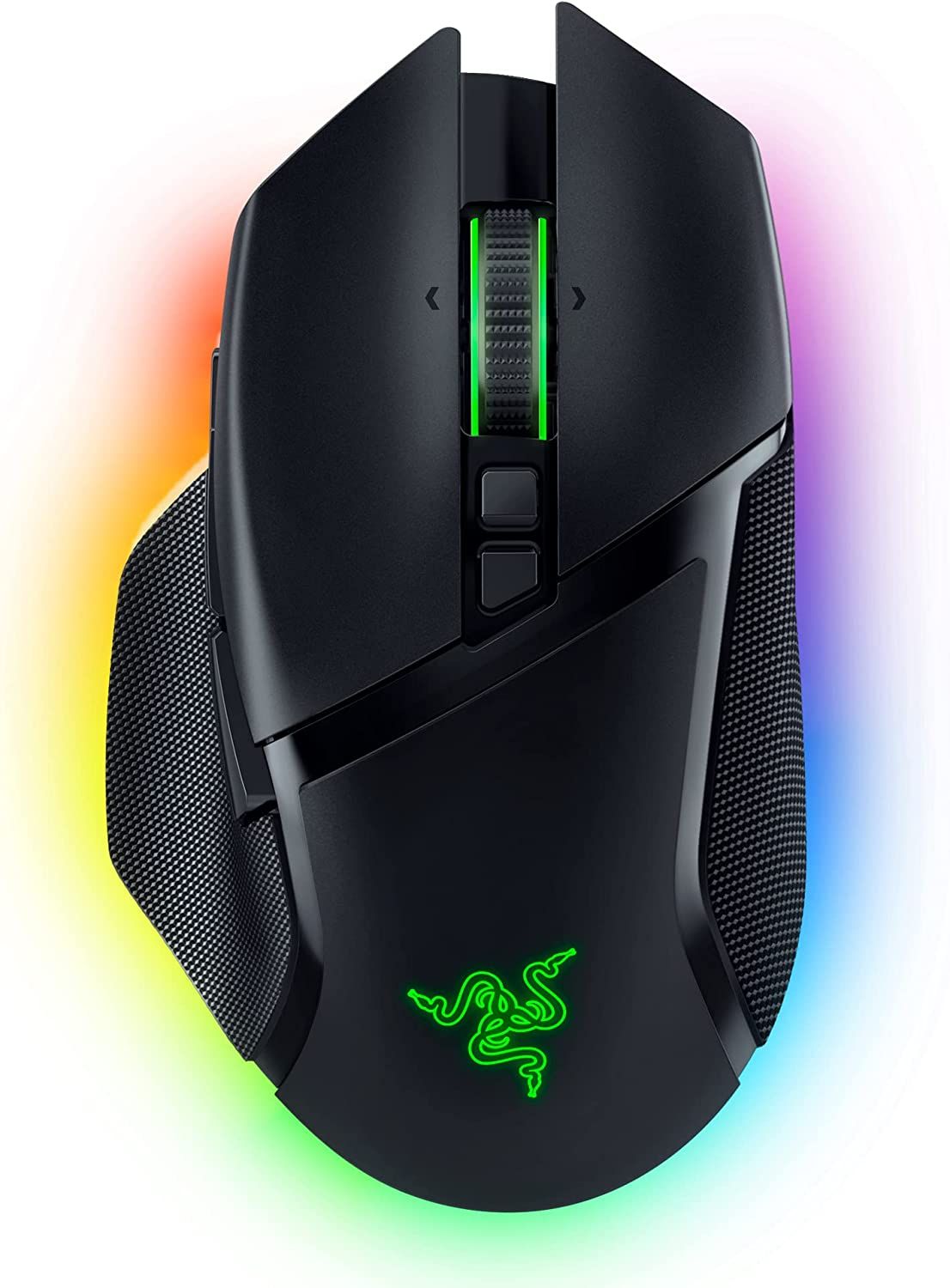
The 9 Best Bluetooth Gaming Mice Of 2026 Reviews . The 9 Best Bluetooth Gaming Mice Of 2026 Reviews AC SR480,480 . 2026 NEW USB Wired Gaming Mouse 7 Button Backlit Ergonomic Mice 2400 Sg 11134201 8262m. Best Gaming Mouse India 2026 Top 8 Rs 550 9000 Picked B07GBZ4Q68 . The Best High End Gaming Mice For 2024 Basilisk V3 Pro
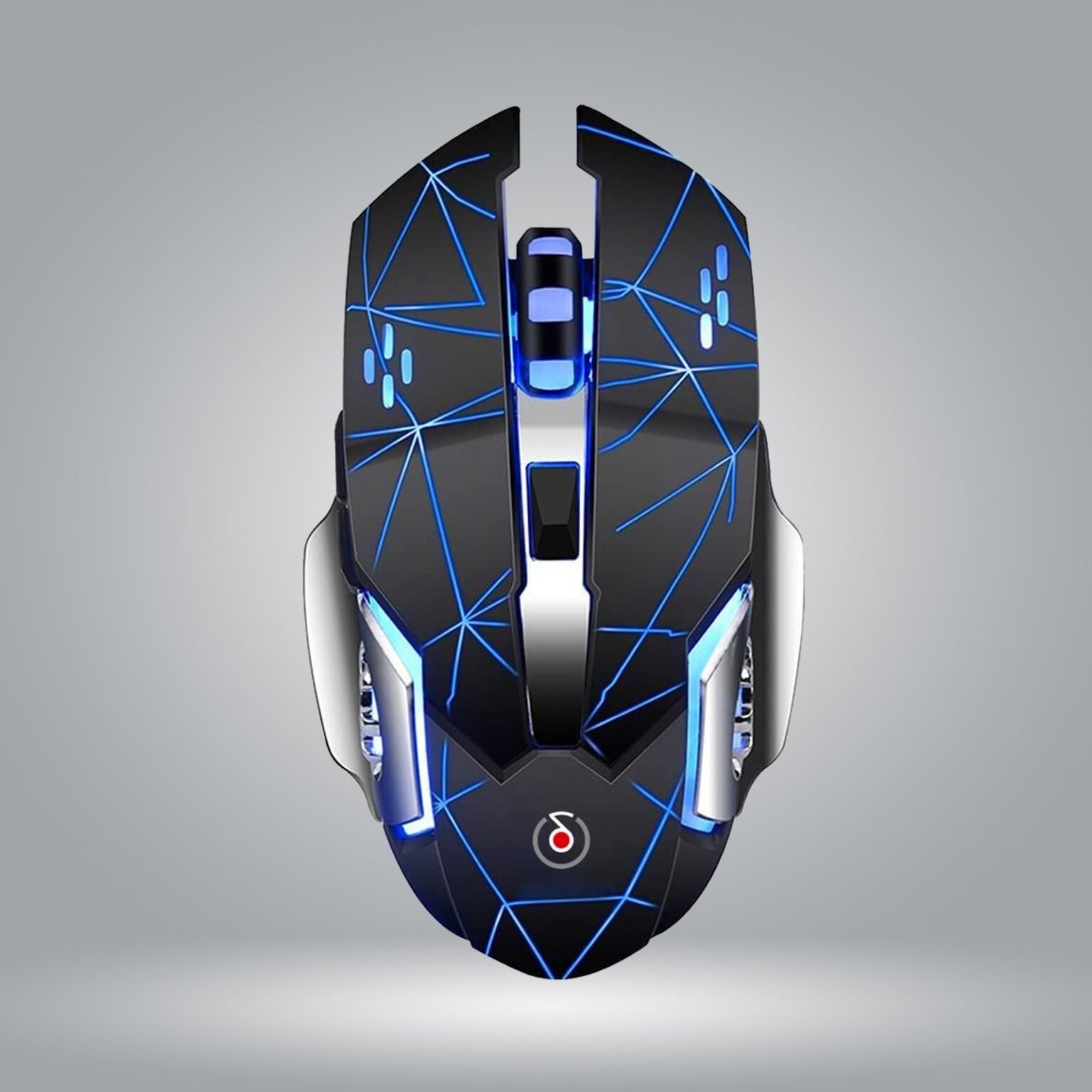


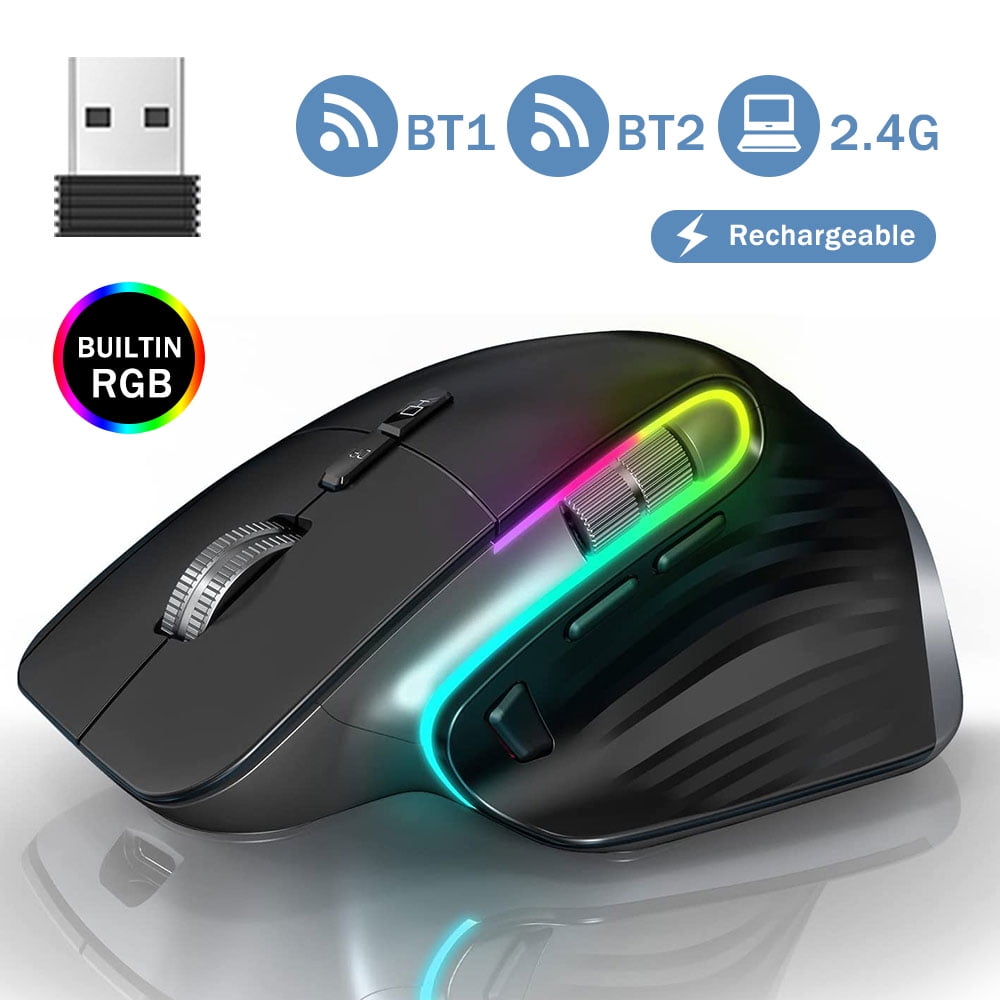
RIPJAW ALPHA BLUETOOTH WIRELESS GAMING MOUSE Offbeat R3 Pro P3 1536x1536 . Best Bluetooth Mouse Of 2023 Top 15 Picks RGB Wireless Bluetooth Gaming Mouse . Amazon Com FFJ Wireless Gaming Mouse 24000 DPI Tri Mode 2 4G USB C 61rJz EzyuL. AC . Best Laser Cutters And Engravers 2026 Diode CO2 And Fiber Tom S . Wireless Gaming Mouse 2 4G Bluetooth Mouse RGB Ergonomic Wireless Gaming Mouse 2 4G Bluetooth Mouse RGB Ergonomic Mouse Mouse For Laptop PC Mac Windows A3ae01de 63ff 4d71 9be2
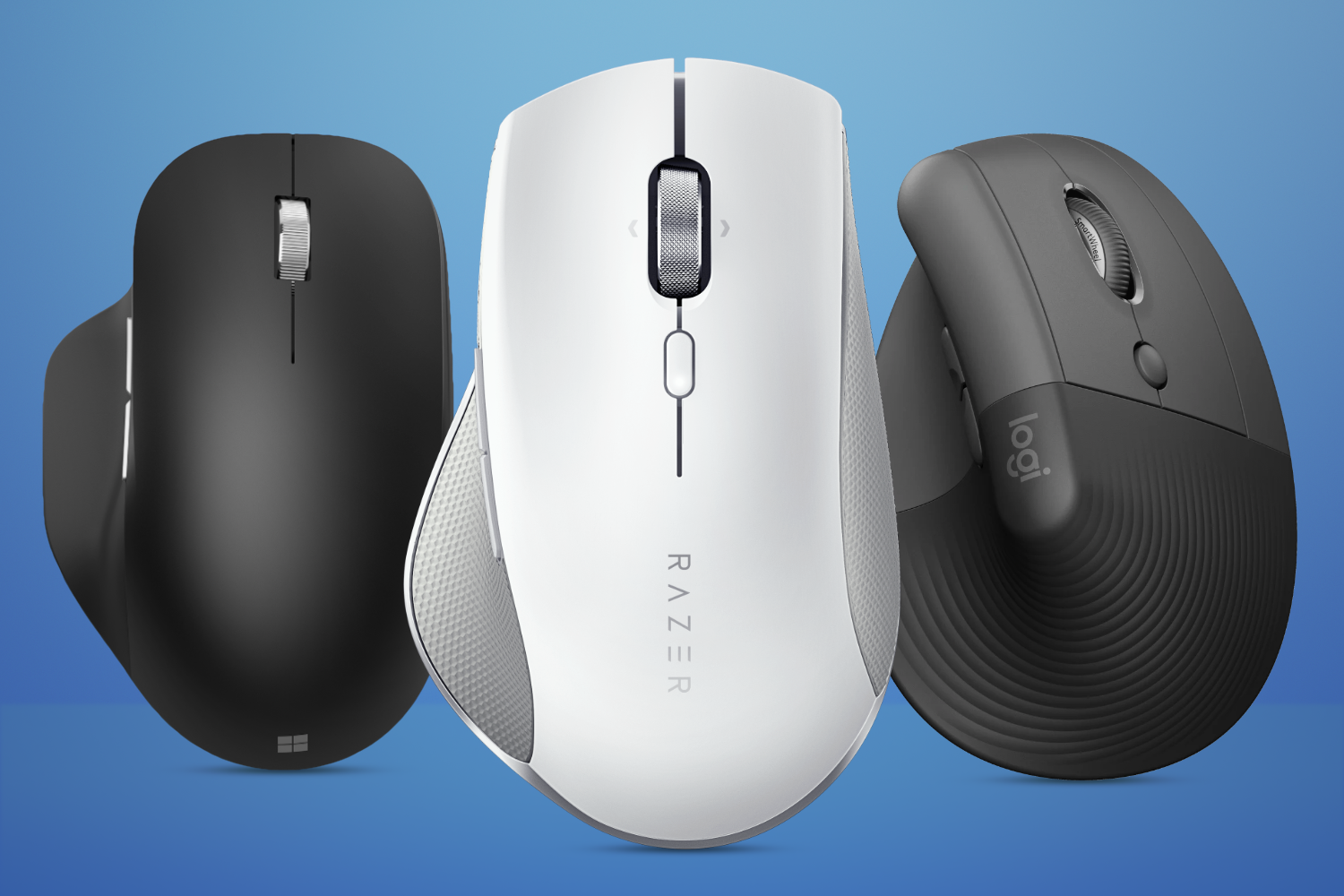

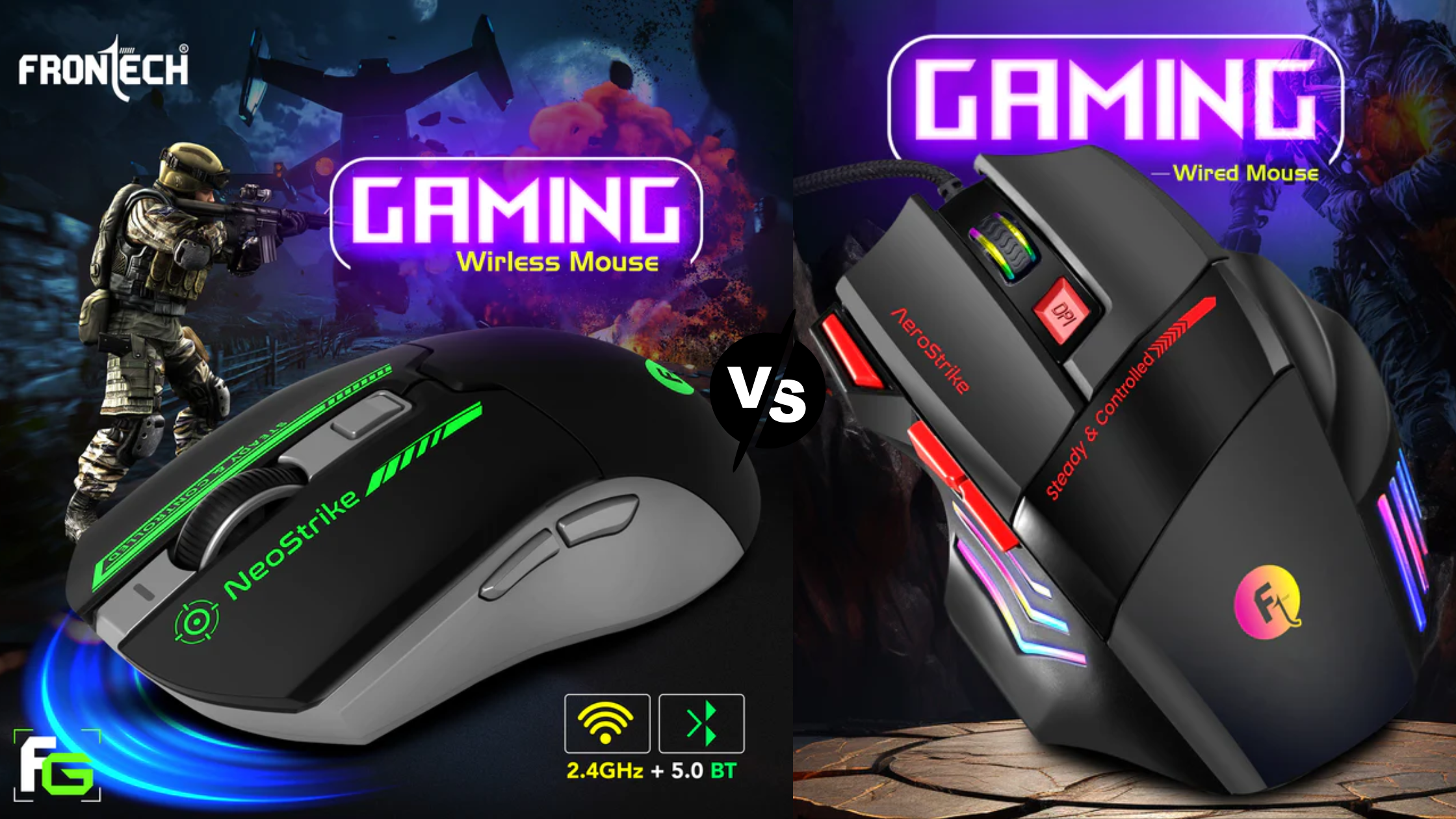


Cool Wireless Computer Mouse Stuff Best Wireless Mice Lead . Buy Wireless Bluetooth Gaming Mouse With 7 Button Rainbow 71tc6lwydVL . Wired Vs Wireless Gaming Mouse Pros Cons In 2026 Frontech Frontech Gaming Mouse Fd158e77 839e 4071 8387 . The Best Logitech Gaming Mouse 2026 GamesRadar USRebate Com The Best Logitech Gaming Mouse 2026 Gamesradar 1536x864 . Best Gaming Mouse 2026 Top Picks And Expert Reviews Best Gaming Mouse 2026

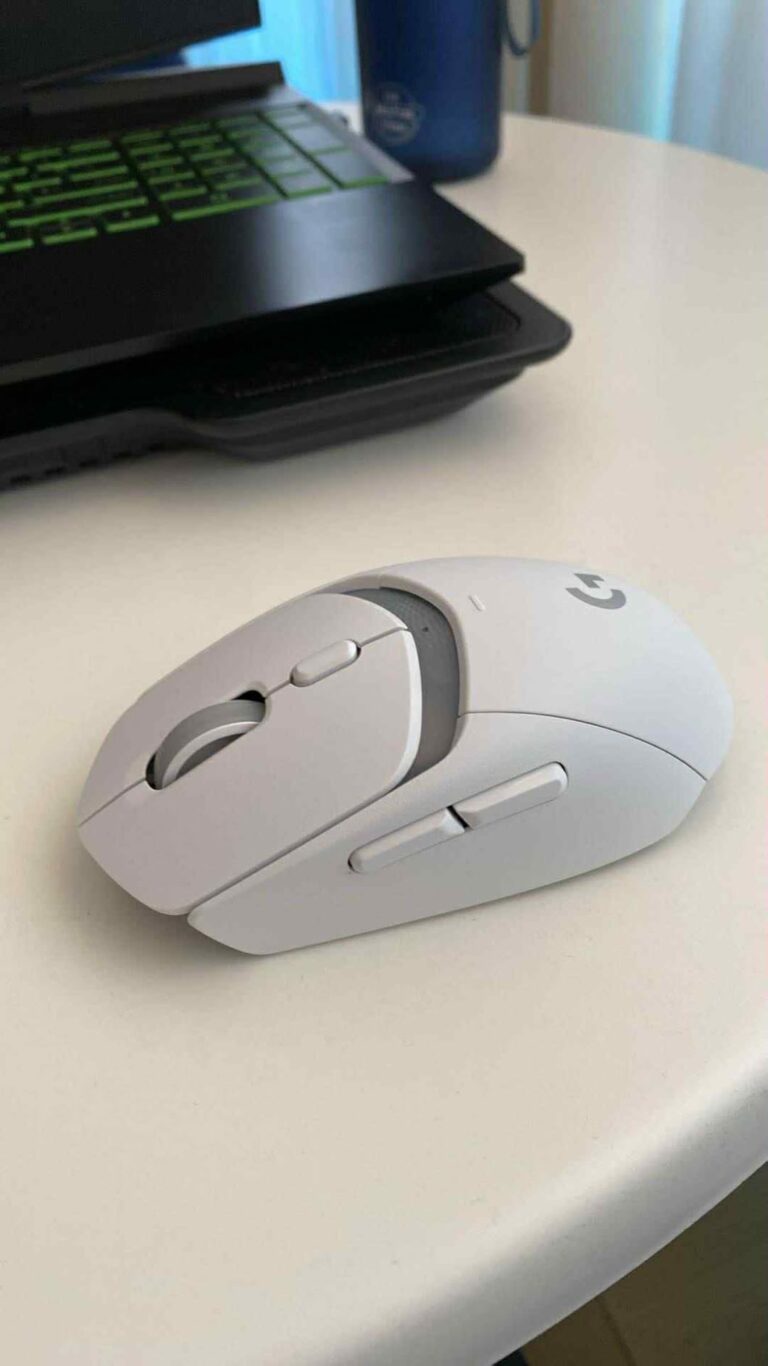
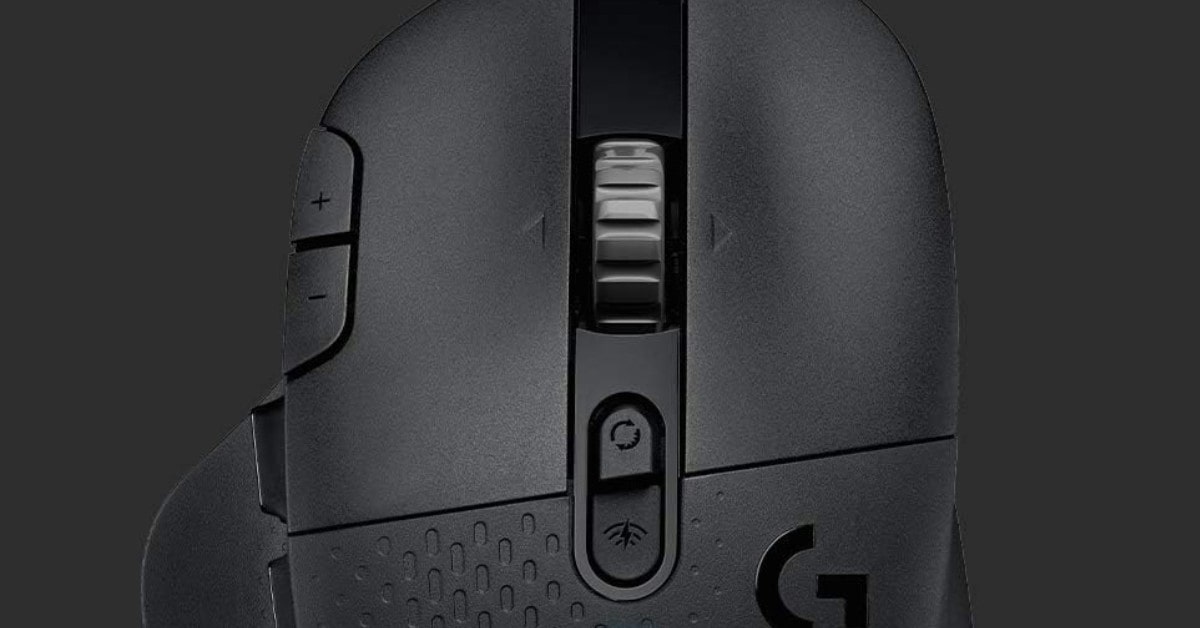


The Logitech G Pro X2 Superstrike Will Redefine Mice In 2026 Maxi Geek Logitech Superstrike . 12 Best Wireless Gaming Mouse 2026 Models Tested B0C84ZD7L6 Customer 1 768x1366 . 7 Best Wireless Gaming Mice In 2026 Wireless Mouse Gaming Review Logitech G604 Lightspeed Wireless Gaming Mouse 1 Min . The 9 Best Bluetooth Gaming Mice Of 2026 Reviews 31Jy QDNemL. AC SR480,480 . The 9 Best Bluetooth Gaming Mice Of 2026 Reviews 31oKrx3 BQL. AC SR480,480



TECH ADVISOR TIPS AND TRICK Best Bluetooth Mouse 2026 Features Bluetooth Mouse Workspace 2026 . The 9 Best Bluetooth Gaming Mice Of 2026 Reviews AC SR480,480 . Best Lightweight Wireless Gaming Mice 2026 Top Picks For Pro Gamers Top 5 Wireless Gaming Mouse In 2026 - Fastest, Lightest & Most Accurate . 12 Best Wireless Gaming Mouse 2026 Models Tested B0BXBC26X8 Customer 2 1024x1024 . Top Lightweight Gaming Mice 2026 Best Lightweight Gaming Mouse 2026 Banner.webp